How to print a WhatsApp chat
WhatsApp's apps have no print button. You have three ways to get a chat on paper, and the right one depends on how much of it you need and who is going to read it.

Three ways, side by side
| Compare | Screenshots | Exported text file | Chat on File record |
|---|---|---|---|
| Best for | A few messages you need quickly | A short chat, with no media, that you only need to read | A long chat, or one that someone else needs to rely on |
| The whole chat | Only what you capture | Yes, up to WhatsApp's limit | Yes, up to WhatsApp's limit |
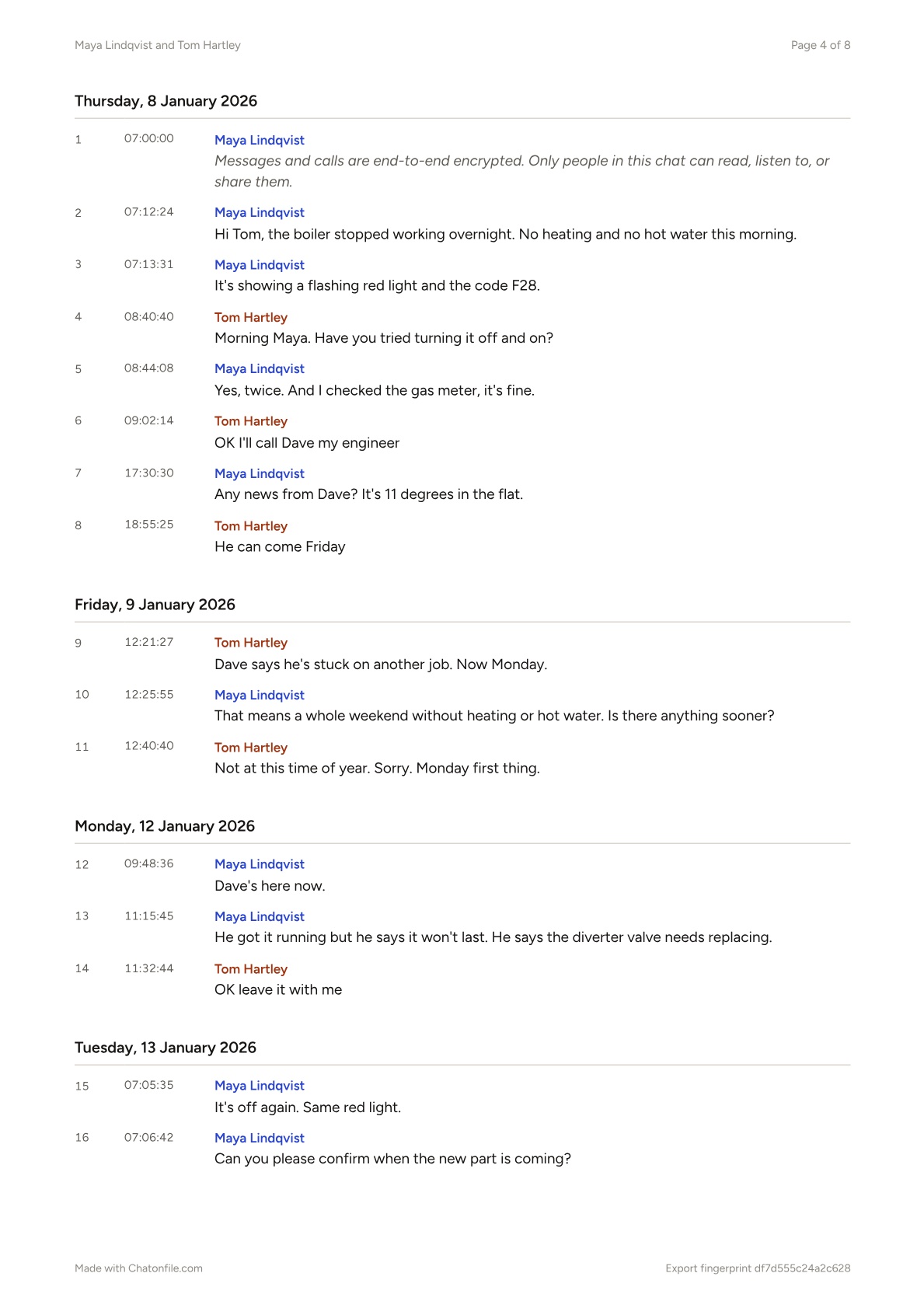
| Dates and times | Times are visible. Dates only show where the chat shows them | Yes, in the file's plain format | Yes, grouped by day, with the time on every message |
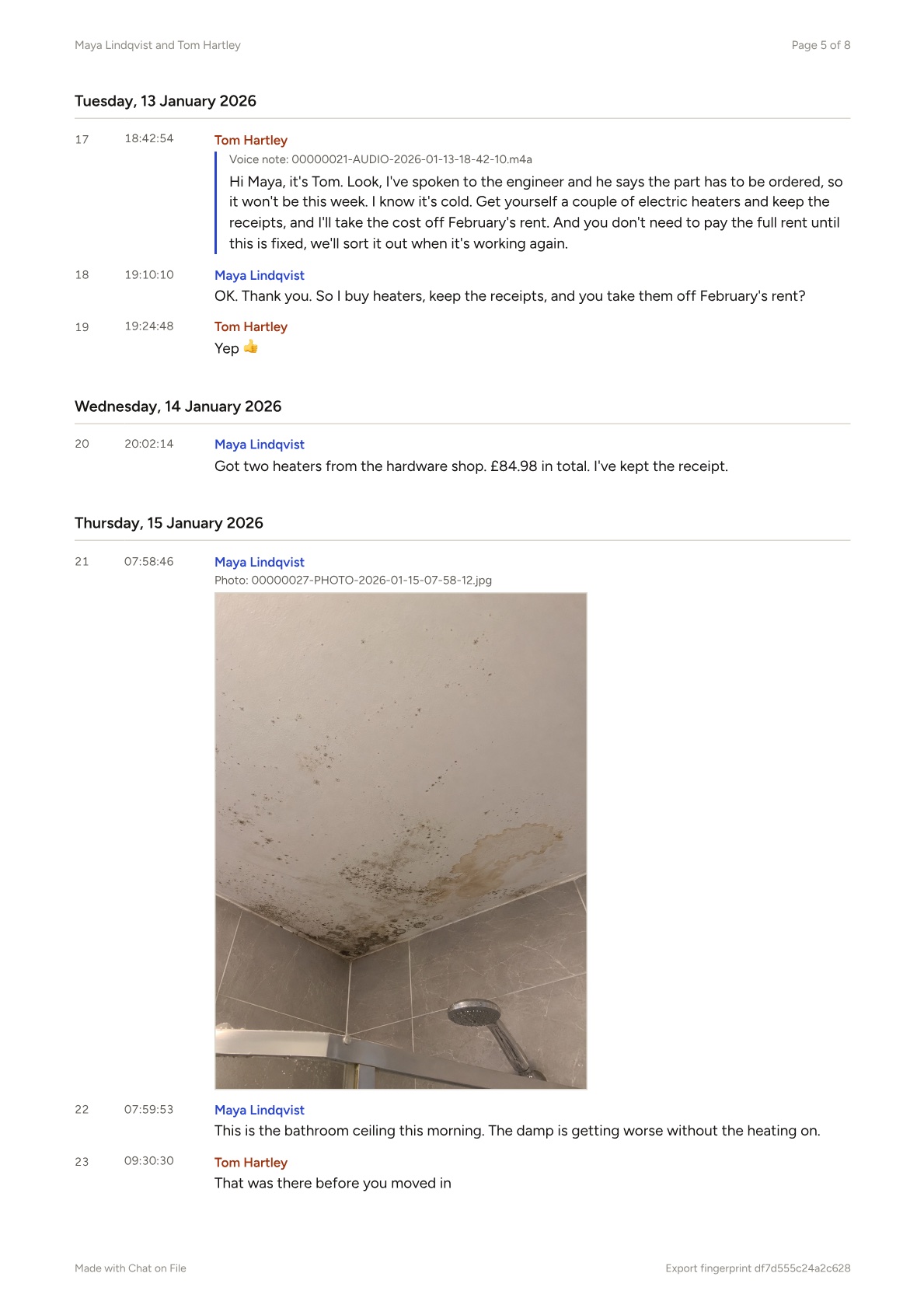
| Voice notes | A play button that can't be heard on paper | A file name | Written out in full |
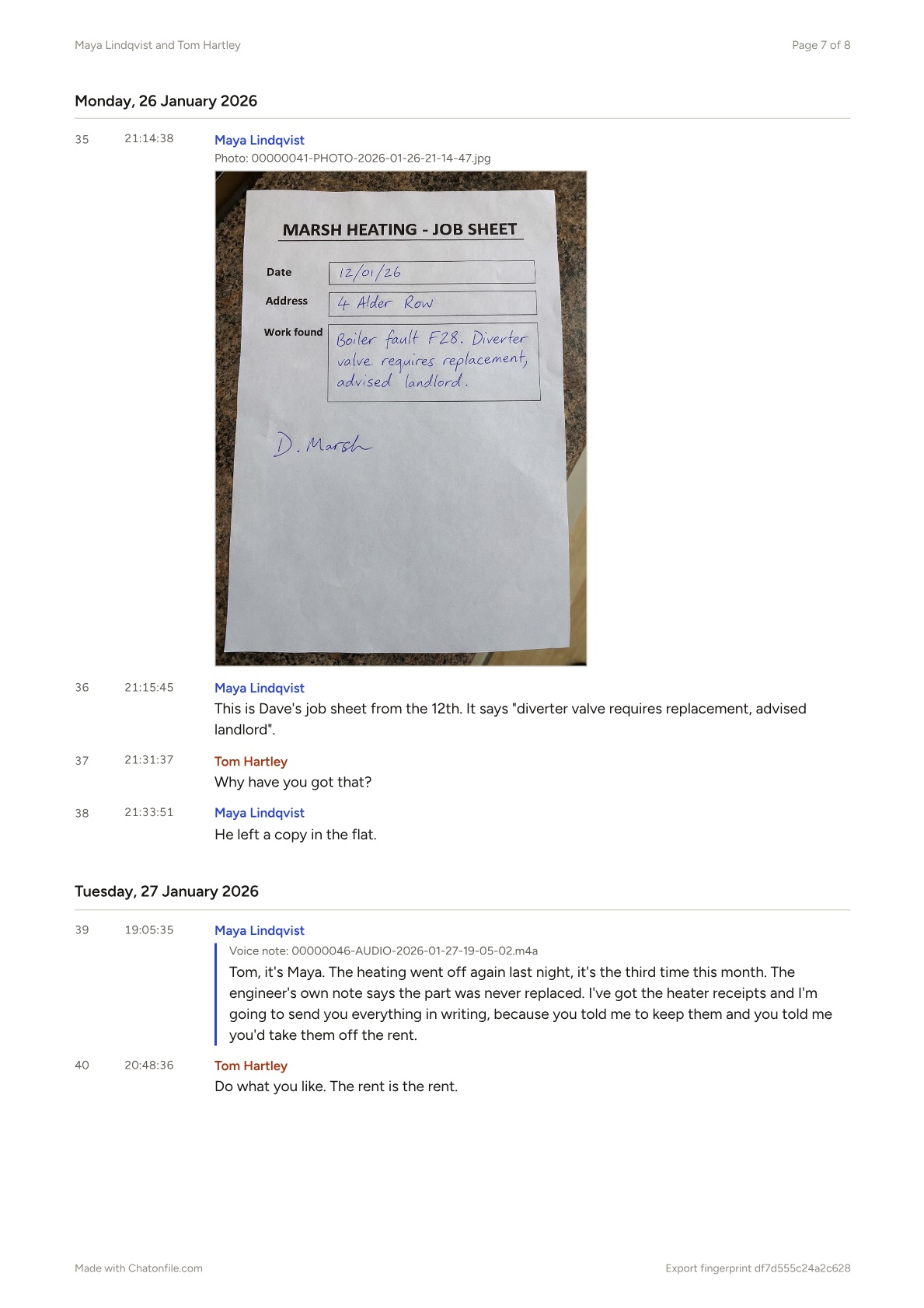
| Photos | Yes, as they appear on screen | A file name | Printed in place |
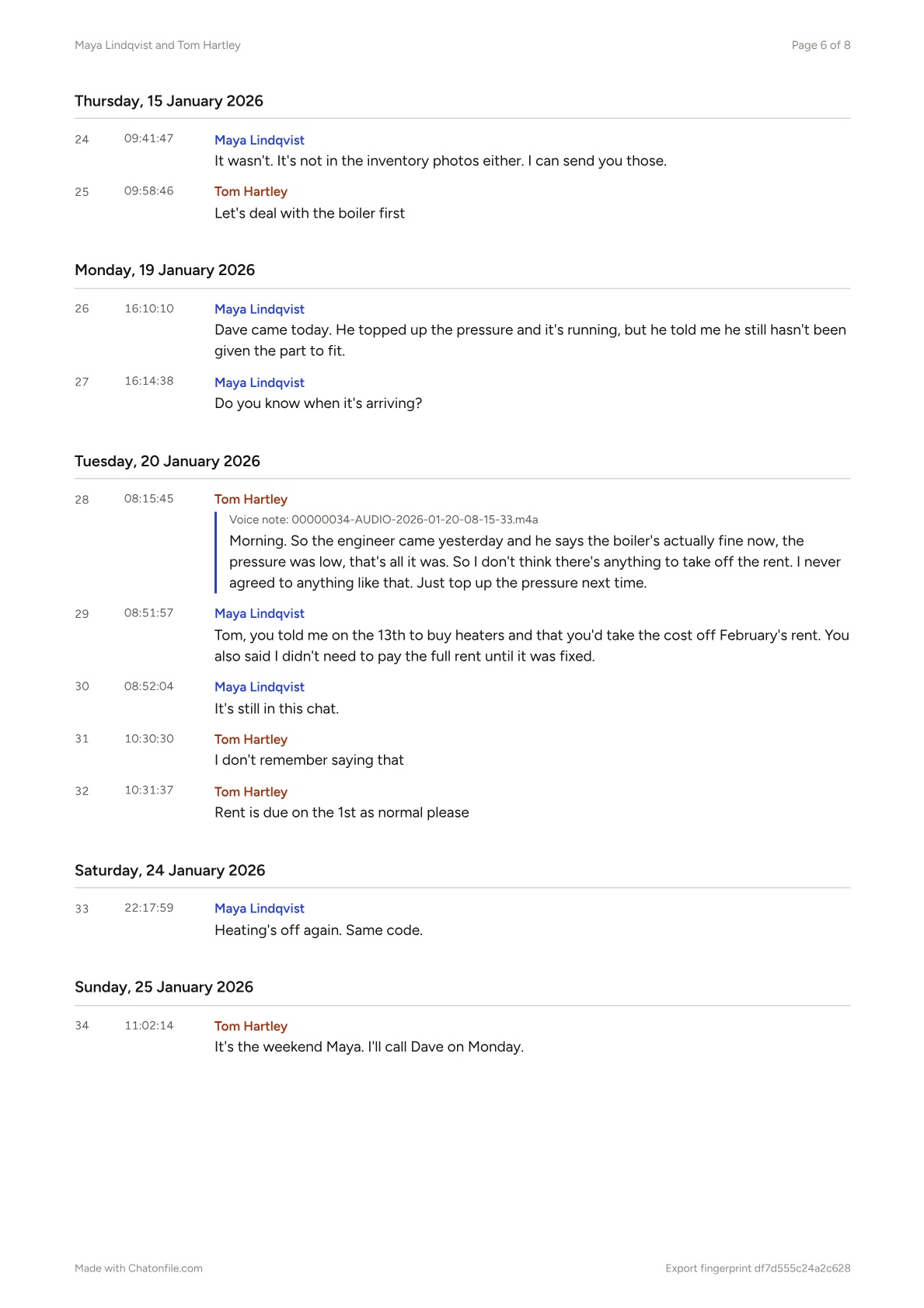
| Pointing to one message | By screenshot, if you number them yourself | By date and time | By message number |
| Cost | Free | Free | From $5 |
Print screenshots
- Scroll so the date label and the person's name are on screen.
- Take a screenshot, then scroll on and leave a little overlap so nothing falls between two images.
- Print them from your phone's photo app, or put them in one document with a caption for each.
Keep this for short exchanges. Screenshots of a long chat take many pages, and a reader can't tell what's missing between them.
Print the exported text
- Export the chat without media and save the file.
- Unzip it if you need to, and open the text file in Word, Pages or Notes.
- Choose a readable font size, then print.
It's free and it's complete, but it's a block of text with a date and time in front of every line. Photos and voice notes appear as file names. Don't edit the text if anyone else will rely on it.
Print a record
- Export the chat with media and open it in Chat on File.
- Check the price, order and download the PDF.
- Print it like any other PDF.
Pages are A4. On US Letter paper, choose Fit in the print dialog. Every page shows its number and the total, so a reader can see that none are missing. Names are in colour and stay readable in black and white.
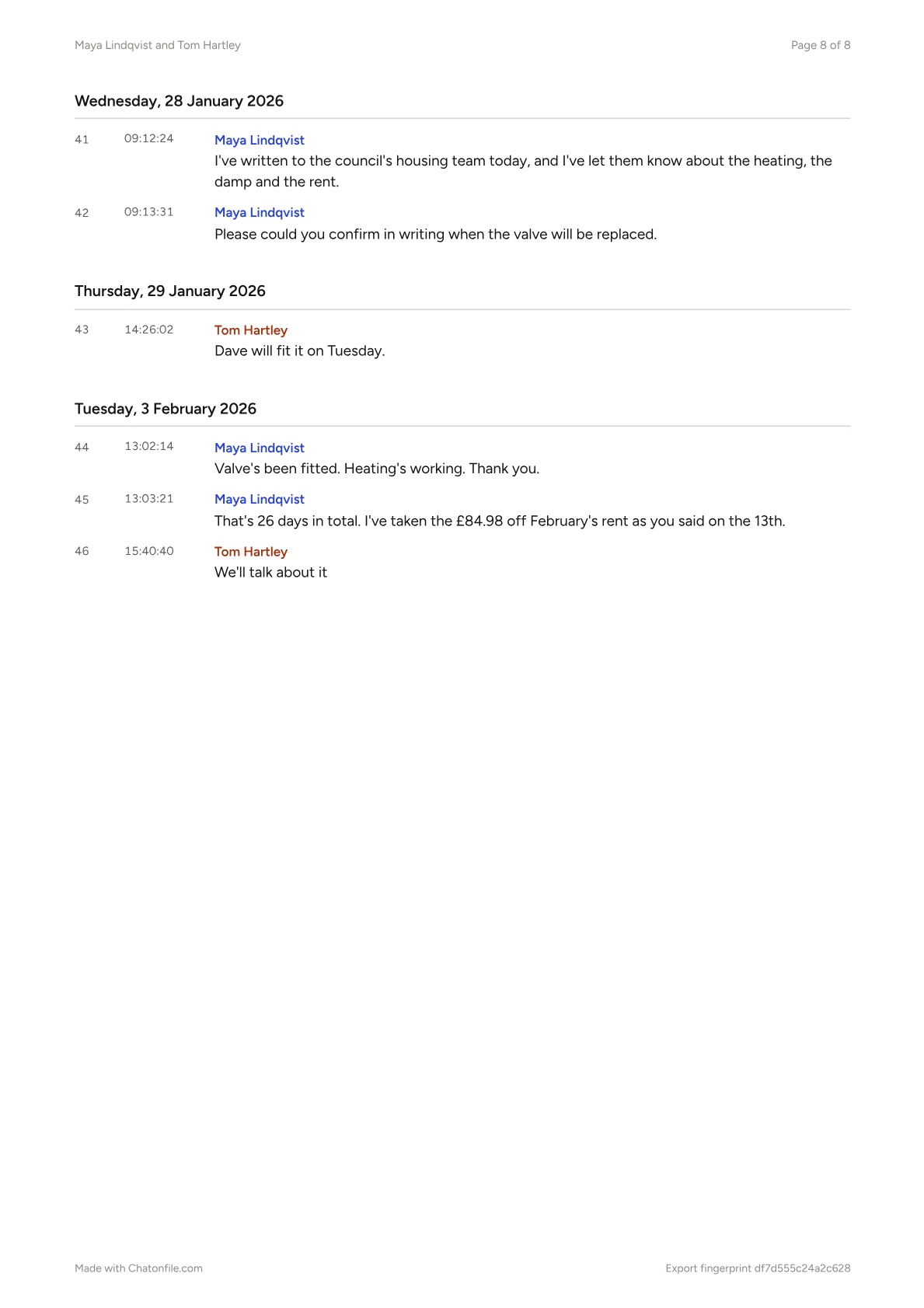
Our sample record, every page
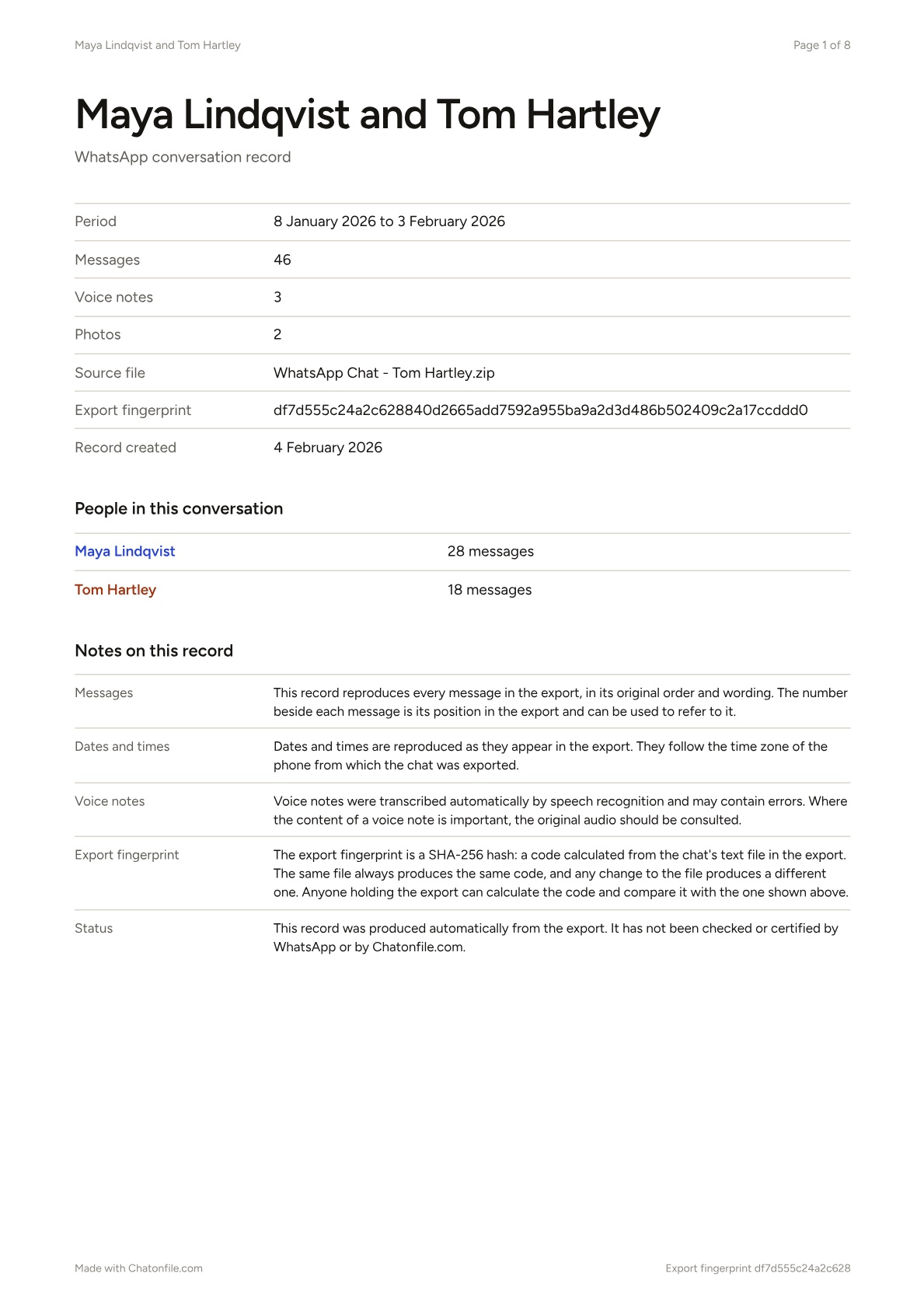
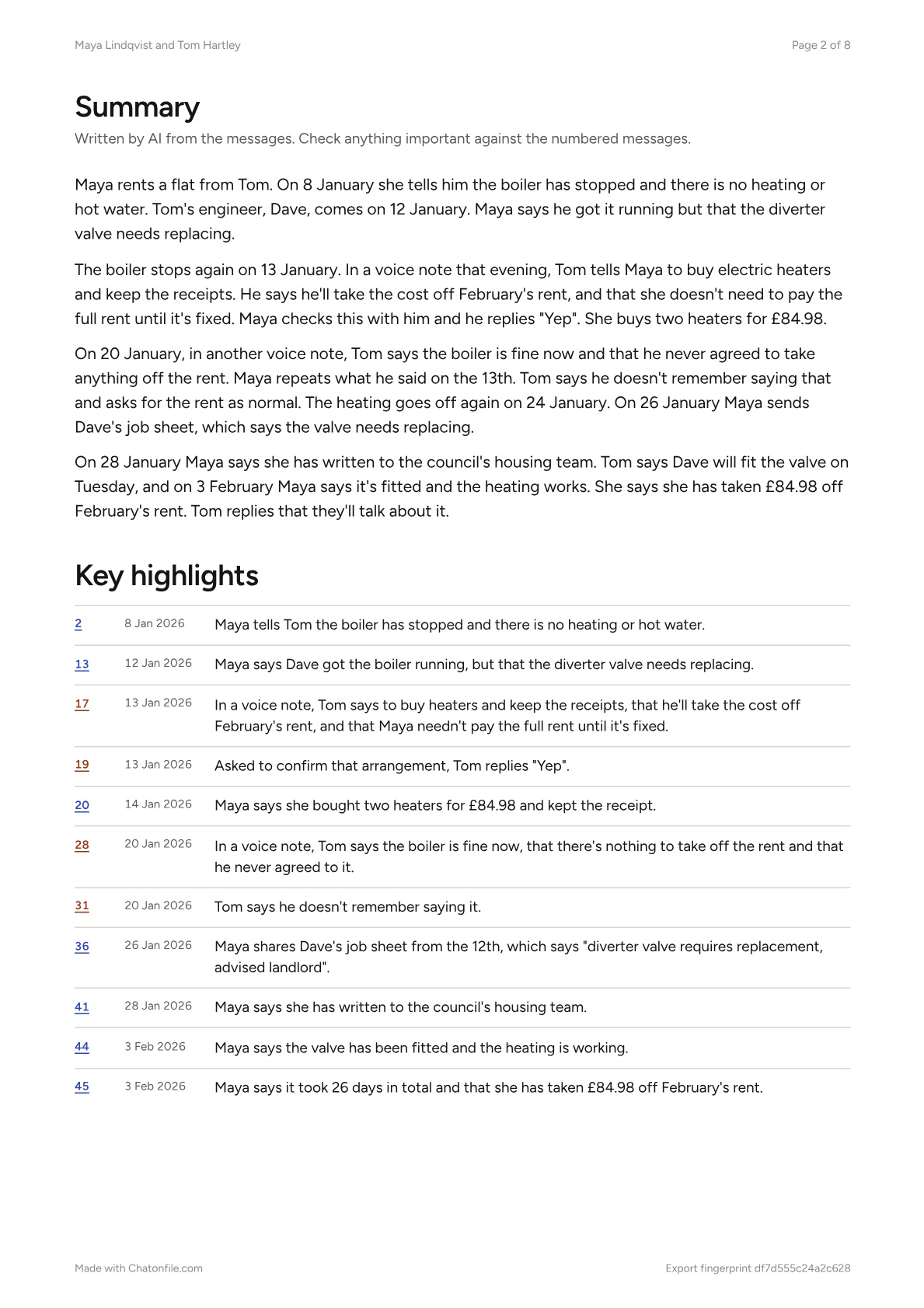
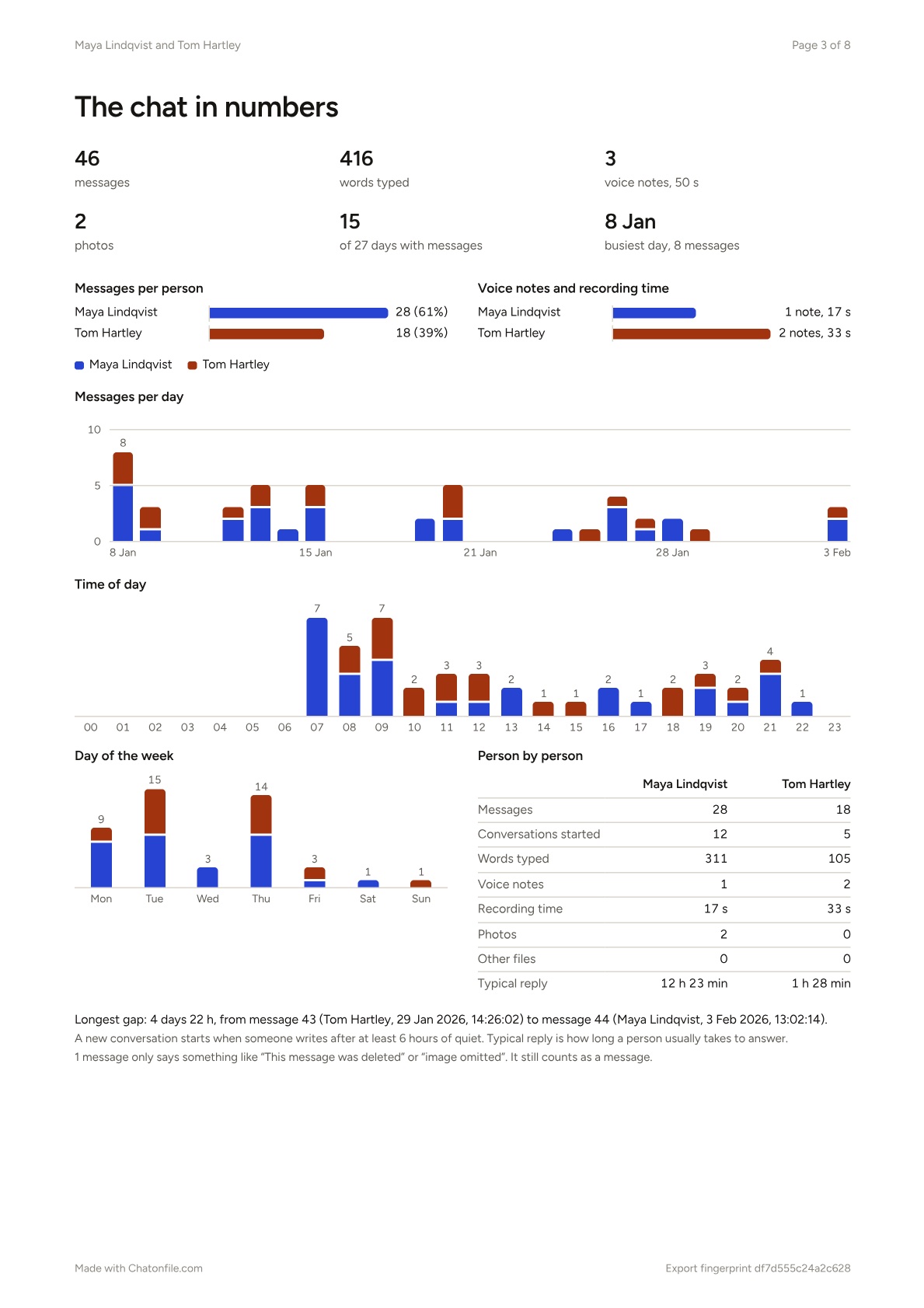
This is what you'd lay out on the desk: 46 messages from 8 January to 3 February, with a summary, three voice notes written out and two photos. Open the chat behind it.

Ready to put yours on paper
Open your export and read it free. If you want the PDF with every voice note written out, you'll see the exact price before you pay.